Skip to content

Documents & General Business Admin

Data entry, document typing and digital filing by a dedicated virtual assistant

The short answer

AdminAssist provides a virtual assistant to help keep your business information organised. Your assistant can capture and update data, type and format documents and manage digital files using your preferred systems.

Data entry, typing and filing: at a glance

Who does it
Your dedicated, pre-screened South African assistant
How you pay
Per hour or per month, only for the hours you reserve
Getting started
You usually meet your assistant within 1 to 4 working days
Oversight
Detailed timesheets, monitored by us before invoicing
Confidentiality
Confidentiality agreement signed by every assistant, NDA on request
Works in
Google Workspace, Microsoft 365 and, where appropriate, AI tools such as Copilot and ChatGPT
In this guide ยท 7 questions
  1. 01What data entry work can a virtual assistant do?
  2. 02How do I make sure outsourced data entry is accurate?
  3. 03Can a virtual assistant type and format my documents?
  4. 04What is digital filing, and how does an assistant organise my files?
  5. 05Can a virtual assistant help my business go paperless?
  6. 06Is it safe to give a virtual assistant access to our files and spreadsheets?
  7. 07Should I outsource data entry or automate it?

01 /

What data entry work can a virtual assistant do?

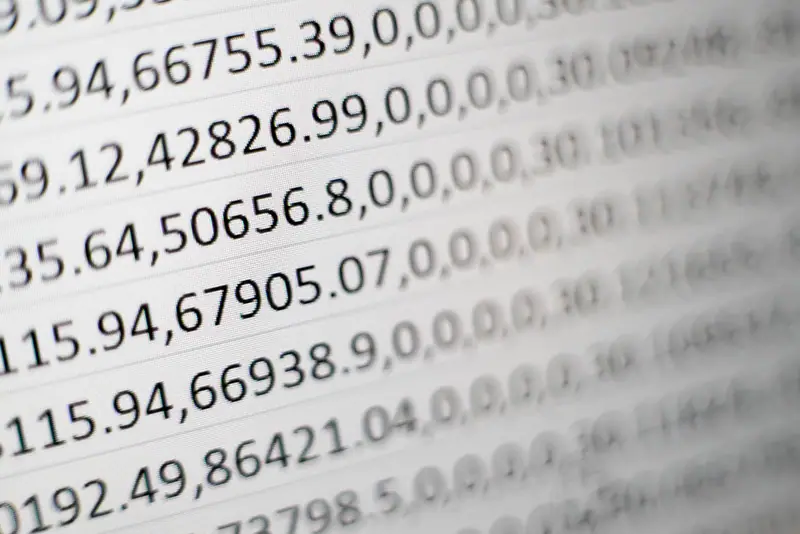
A virtual assistant can capture, update and check information in spreadsheets, databases and business systems.

They can help with:

  • Compiling customer spreadsheets and maintaining contact lists
  • Capturing information from digital forms, emails and documents
  • Updating records as details change
  • Organising information from existing files

Keeping your records current makes information easier to find and use, while freeing up time for you and your team.


02 /

How do I make sure outsourced data entry is accurate?

Clear instructions and agreed checks help your assistant capture information consistently. Share an example of a completed record and explain your preferences for formatting, abbreviations and missing information.

For a larger project, you can agree on a process for reviewing a sample and checking progress along the way.

03 /

Can a virtual assistant type and format my documents?

Yes. Document typing and formatting is a core AdminAssist task, from dictated letters and handwritten notes to reports, proposals and presentations.

Your virtual assistant can type and format letters, reports, proposals and presentations. You can also dictate a document or email in a voice note for your assistant to draft, or share legible handwritten notes from a meeting or conference to be typed up.

Your assistant can take care of formatting and layout, leaving you to focus on the content. They can also use or help prepare templates for frequently used documents, keeping them consistent and easier to produce.

04 /

What is digital filing, and how does an assistant organise my files?

Digital filing is a way of storing your documents electronically so you and your team can find them easily. Your assistant can help create a straightforward folder structure, agree on consistent file names and organise documents as they arrive.

We believe in a "touch once" approach: each document is filed, actioned or removed as agreed, rather than left to pile up. The aim is to make your files easy to use, not create an unnecessarily complicated system.

05 /

Can a virtual assistant help my business go paperless?

Yes. Your virtual assistant can help organise digital documents in cloud storage such as OneDrive, Google Drive or Dropbox. They can also name and file scanned records, making information easier to find and share.

Your assistant works remotely, so paper documents would first need to be scanned or digitised and shared with them. They can then help bring your files into an organised system.

06 /

Is it safe to give a virtual assistant access to our files and spreadsheets?

Your spreadsheets and documents often contain information you don't want shared widely. That's why every AdminAssist assistant signs a confidentiality agreement, with an additional NDA available on request.

You can give your assistant access to the folders and systems they need for their work. Where available, shared folders and user permissions let you control whether they can view or edit files. Access can also be updated or removed as your needs change.

07 /

Should I outsource data entry or automate it?

It depends on the work. Automation can help with consistent, repeatable processes, while a virtual assistant can organise information, check records and handle work that needs human judgement.

You may find that a combination works well: your assistant uses the tools available in your business and reviews the results. We'll discuss your needs and how your assistant can support the way you prefer to work.

Questions

What else do people ask about data entry, typing and filing?

If there's anything else you'd like to know, ask us during your free admin review call.

Can I outsource a once-off data capturing project?

Yes. AdminAssist can help with once-off data capturing projects as well as ongoing support. Tell us what the project involves and your deadline, and we'll provide a quote based on your requirements.

Can several assistants work on a large data project?

Yes. Depending on the size and requirements of your project, we can discuss whether more than one assistant would be suitable. We'll also agree on how the work should be organised to keep records and formatting consistent.

How will I know how long the data entry took?

Your assistant records their time in a detailed timesheet. You can request a copy and agree on how often you'd like updates on the hours used and remaining.

Can the assistant work in our own systems?

Your assistant can work with the systems and formats your business uses. Let us know what you use, and we'll look for an assistant with suitable experience. Sharing your processes and preferences will also help them get to know how you work.

Get started

How do I get started?

A short call where we map what's taking up your week and help you gauge how many hours you need. No obligation.

  1. 01A short call to understand the work and the hours
  2. 02A written quote, with the scope agreed up front
  3. 03You meet your assistant, usually within 1-4 working days
Rather speak to someone? 065 842 4644
I am here to

No obligation. The admin review is free. By sharing your details with AdminAssist you consent to our Privacy Policy.